

Water and electronics don't mix.
If you have wireless compression boots (with a battery, compressor, or integrated controls), cleaning them "like clothes" can shorten their lifespan or even render the system unusable. In this guide, I'll explain which parts you should not get wet, how to clean them safely (without soaking), how to disinfect judiciously, and what to do if a sensitive area accidentally gets wet.
Pressotherapy at home
End the day with light legs
★★★★★ 4,8/5 · rated by verified customers
KumoWave pressotherapy boosts circulation and helps drain fluid with sequential compression, in 20-minute sessions at home.
- Boosts circulation and helps drain fluid
- Chamber-based compression, adjustable to you
- Sequential compression that mimics manual drainage
€799,00€999,00
−10% on your 1st order when you subscribe to the newsletter

At Kumo, we understand recovery as a habit: premium technology, refined aesthetics, and easy-to-maintain routines. Therefore, proper cleaning is part of performance.
Before cleaning: understand what's “textile” and what's “electronic”
When we talk about wireless boots, the critical point is that not everything is just a “sleeve” anymore. Depending on the model and design, you might find:
Personalized protocol · included with your purchase
Want us to tell you how to use it in your case?
With your purchase, our experts prepare a personalized usage protocol for your case: sport, circulation, fluid retention, pregnancy or lipedema.
Message us on WhatsAppOur experts reply · no obligation
- Textile area: outer cover, zippers/Velcro, padding, inner lining in contact with the skin.
- Pneumatic area: internal air chambers, valves, connectors, hoses (if present), and their connections.
- Electronic area: control module, buttons, screen/LEDs, charging ports, battery, circuit board, and compressor motor.
Golden Rule: if there's no water resistance rating (e.g., an IP code) clearly indicated by the manufacturer, treat the entire device as not water-resistant and avoid liquids near openings, ports, and connections.
What you should NOT get wet (and why)
1) Battery and battery compartment
The battery (or its housing) is one of the most delicate areas. The most consistent safety recommendation in battery documentation is not to expose them to water or allow them to get wet. GlobTek, for example, explicitly includes the instruction not to expose lithium-ion batteries to water or saltwater. This relates not only to malfunctions but also to risks of overheating or internal damage.
2) Charging ports, connectors, and “openings”
USB ports, plugs, quick connectors, or any ventilation slots are direct entry points for moisture. In consumer electronics cleaning guides, the message is clear: keep liquids away and do not let moisture enter any opening. Apple states this in its official cleaning guide: do not introduce moisture into openings and avoid liquids where not specifically authorized. Source (Apple Support).
on your first order when you join the newsletter
We send you the code instantly. No spam.
3) Integrated compressor/pump (if your boot has it "inside")
In some systems, the compressor is part of the assembly and cannot be separated. Documentation for sequential compression devices (clinical field) includes strict warnings: do not submerge the equipment or allow liquids to enter. For example, instructions for use of a pneumatic compression device literally state "Do not submerge the device or allow liquids to enter the device." Source (IFU, pneumatic compression device).
4) Tubes, tubing parts, and pneumatic connectors
While the outer textile might tolerate a slightly damp cleaning, connectors and pneumatic parts are another story. A clear example: the cleaning guide for a sequential compression garment states do not submerge tubing or tubing parts in water. Source (AIROS 6P IFU).
5) Screens, buttons, panels, and seals
The problem is not just direct water: it's also the moisture that migrates by capillarity into seals, seams, and edges, especially if you spray cleaner. Therefore, safe cleaning usually involves a slightly dampened cloth, not direct spray.
Quick map: what you can clean and what you can't (practical table)
Table: Parts of wireless boots and permissible "wetness" level
| Part | Can it get wet? | How to clean safely | Typical risk if it gets wet |
|---|---|---|---|
| Outer cover (textile) | Only slightly (damp cloth) | Microfiber cloth + water and mild soap, without soaking | Odors, deformation, deterioration of seams if soaked |
| Inner lining (skin contact) | Only slightly | Damp cloth, immediate drying and ventilation | Mold/odor if not dried well |
| Connectors, valves, pneumatic joints | No | Dry cloth; if dirty, barely dampened cloth avoiding the joint | Water ingress, pressure failures, corrosion |
| Charging ports / openings | No | Dry cloth; dry swab (no liquid) around, carefully | Short circuit, corrosion, unstable charging |
| Electronic module / integrated compressor | No | Slightly damp cloth on the outside (if manufacturer permits) and immediate drying | Internal damage, loss of function |
Safe daily cleaning (5–10 minute routine)
For personal use (home, gym, travel), this routine is usually sufficient after sweaty or creamy sessions:
- Turn off the equipment and disconnect it from the charger (if it was charging).
- Let it “breathe” for 2–3 minutes: open zippers/Velcro to ventilate the inside.
- Remove detachable modules if any (controller, removable battery, separable hoses). If it's not detachable, be extra cautious with moisture.
-
Microfiber cloth barely dampened with water and a minimal amount of mild soap for:
- interior (skin contact area),
- textile exterior,
- Velcro areas (without soaking).
- Do not spray the product directly onto the boot. Apply it to the cloth, not the device (common principle in electronics cleaning guides). Source (Apple Support).
- Wipe immediately with a dry cloth, paying attention to seams, edges, and areas near connectors.
- Air dry: leave the boots open in a ventilated area until completely dry.
Realistic use tip: if you usually train late, a quick cleaning + proper drying prevents sweat from "staying" inside and causing persistent odor.
Disinfect or not? How to do it without damaging materials
Disinfecting can be useful if you share the equipment, use it in high-traffic environments, or if there's accumulated sweat. But disinfecting is not "bathing in chemicals."
What to use (with discretion)
- For hard, non-porous surfaces (e.g., external plastic casings, if your system has them): a common option is 70% isopropyl alcohol on a wipe or cloth, used sparingly. Apple mentions the use of 70% isopropanol wipes for hard, non-porous surfaces, emphasizing not to introduce moisture into openings. Source (Apple Support).
- If you're looking for a registered disinfectant: the public health approach is usually to use registered products and follow label instructions. The CDC recommends using an EPA-registered disinfectant appropriate for the surface, and emphasizes reading the label, ensuring ventilation, and not mixing chemicals. Source (CDC).
The forgotten key: “contact time”
A disinfectant only works if the surface remains wet for the indicated time. The EPA explains this with a direct example: if the label indicates 10 minutes, the surface must remain visibly wet for those 10 minutes (reapplying if it dries sooner). Source (EPA).
What to avoid
- Submerging any electronic part (and, in general, the entire device). Some compression device guides are explicit: "DO NOT IMMERSE UNIT IN ANY LIQUID." Source (VenaPro Quick Start Guide).
- Bleach on textiles or components, unless specified by the manufacturer: some manuals explicitly state "Do not use bleach." Source (IFU, pneumatic compression device).
- Direct sprays (aerosols) on the equipment, due to risk of penetration into seals/ports.
- Mixing products: the CDC warns that mixing chemicals can be dangerous and change properties. Source (CDC).
Proper drying: the most important thing (and the most ignored)
Safe cleaning can be ruined by poor drying. Two practical ideas:
- Always dry with a cloth immediately after cleaning: don't wait "for it to evaporate."
- Let the equipment rest before using or charging if there has been moisture near sensitive parts.
A concrete example (useful as a reference for good practice): the VenaPro quick guide indicates leaving the system off and unplugged for 30 minutes after cleaning or disinfecting, to ensure it is completely dry before use. Source (VenaPro Quick Start Guide).
Furthermore, avoid "speeding up" with heat:
- Do not use a dryer.
- Do not use a heat gun or radiator pointed at the material.
- Do not leave in direct sunlight for hours (it can degrade textiles and adhesives).
What to do if you got something wet that you shouldn't have (quick protocol)
If water has fallen on controls, ports, or the electronic module, act as follows:
- Stop use immediately and turn off the device.
- Disconnect the charger (if it was connected).
- Dry the exterior with a dry cloth, without rubbing inwards towards openings.
- Do not charge the equipment "to check if it works" immediately afterward.
- Air dry in a ventilated place, away from combustible materials.
If there was serious exposure (e.g., flooding or immersion)
When a product with a lithium-ion battery has been exposed to flooding, the approach changes: it's no longer just "dry and go." The US Fire Administration (FEMA) recommends, among other precautions, to disconnect potentially flooded devices from chargers, remove them from the building/garage, and pay attention to signs such as smoke, gases, crackling, or whistling (and notify emergency services if they appear).
Important: if you notice a strange odor, abnormal heat, module deformation, or erratic behavior after getting wet, prioritize safety and follow the manufacturer's or technical service's instructions.
How to prevent dirt and bad odor (without over-wetting)
The best cleaning is the one you barely need. Three simple habits:
- Textile barrier: wear clean, dry socks (and avoid creams just before your session).
- Post-session ventilation: open the boots and let the inside air out.
- Frequent light cleaning: a regular damp cloth is better than an aggressive "deep cleaning" every 2 months.
IP and “water resistance”: don't assume anything
Many users confuse "looks robust" with "can be washed with water." Water resistance, when it exists, is usually expressed with an IP code. The IEC/CEI 60559 standard defines this system; for example, IP67 is usually interpreted as total protection against dust (6) and resistance to temporary immersion under defined conditions (7). Source (explanation of IP rating).
If your manufacturer does not declare an IP for the electronic module, it is prudent to treat it as not suitable for splashes.
Integrate cleaning into your Kumo recovery routine
If you are building a complete protocol, compression therapy usually combines very well with other recovery tools. At Kumo, you can explore:
- our compression therapy collection for circulatory work and heavy legs.
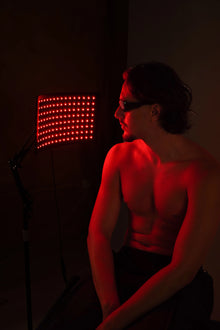
- LED light therapy as a complement focused on wellness and personal care.
- And for localized tension relief, the KumoPulse Air massage gun can fit into short post-workout sessions.
FAQ: frequently asked questions about cleaning wireless boots (Kumo)
Can I clean my Kumo compression boots with disinfectant wipes?
It depends on which part you are cleaning. For hard external casings (if any), some electronics guides allow alcohol wipes (e.g., 70% IPA) as long as no moisture enters openings. The key is not to soak and not to rub towards ports. On textile surfaces or areas near connectors, it is usually safer to use a slightly damp microfiber cloth and immediate drying. And if you disinfect, remember to follow the product's "contact time" instructions.
What do I do if I accidentally got the charging port or control panel wet?
Turn off the device, disconnect it from the charger, and dry the exterior with a dry cloth without pushing moisture inwards. Avoid using direct heat (hair dryer) and do not charge it "to test" until it is completely dry. If the exposure was significant (repeated splashes, spill, or immersion), treat it with extreme caution: battery-powered equipment requires additional precautions, and if there are abnormal signs (heat, odor, smoke), prioritize safety and consult technical support.
How often should I clean wireless recovery boots?
As a practical rule: light cleaning after sweaty uses (damp cloth + drying) and a more detailed weekly or bi-weekly review depending on frequency. If there is direct skin contact, cream, or gym use, it's advisable not to let weeks go by without cleaning the interior. Keeping them ventilated and dry helps more than "wetting to wash." Regular hygiene also reduces odors and prolongs the life of the material (Velcro, seams, and linings).
Can I wash the boot in a washing machine if it's "just fabric" on the outside?
With wireless boots, it's almost never a good idea: although the exterior is textile, there are usually air chambers, valves, joints, and components that are not designed for a wash cycle. Warnings not to submerge, not to allow liquid entry, and to avoid a dryer are repeated in compression device documentation. If you need a deeper clean, opt for controlled manual cleaning (cloth, mild soap) and long air drying, always following your model's specific manual.
What now?
If you want your recovery to be as consistent as your training, take care of your equipment as you care for your body. Explore compression therapy solutions and complete your routine with complementary tools such as LED light. If you need help choosing or maintaining your device, you can contact our team.
KumoWave pressotherapy
Choose your at-home pressotherapy
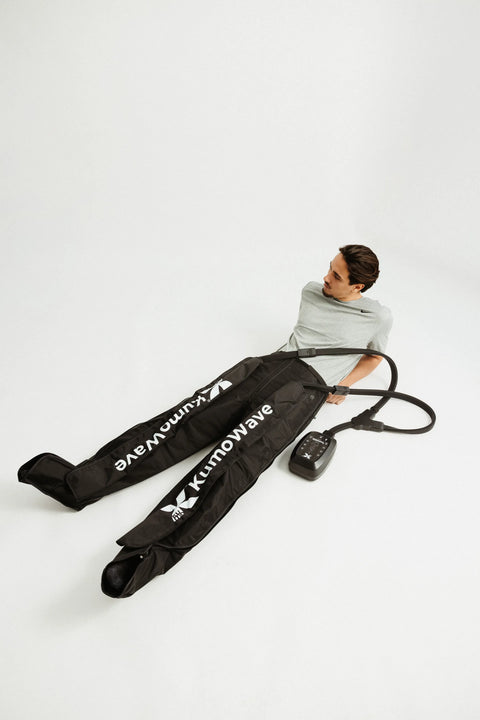
KumoWave Elite – Pressotherapy Pants
Full-coverage trousers. Ideal for lipedema, fluid retention and intensive use.
€799,00 €999,00
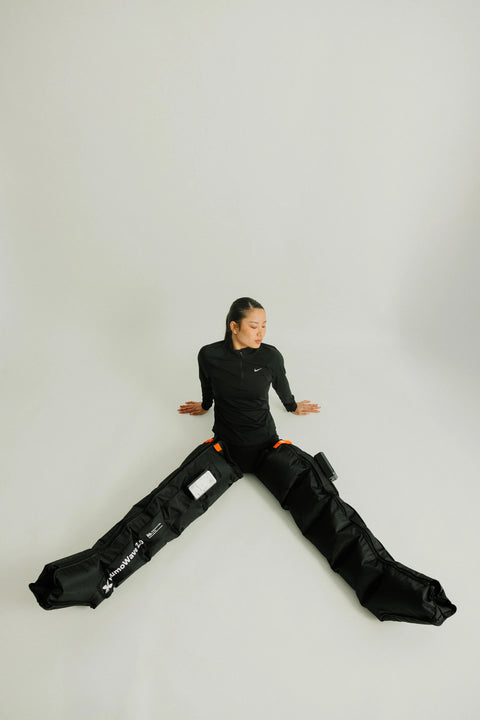
KumoWave 2.0 - Wireless Pressotherapy
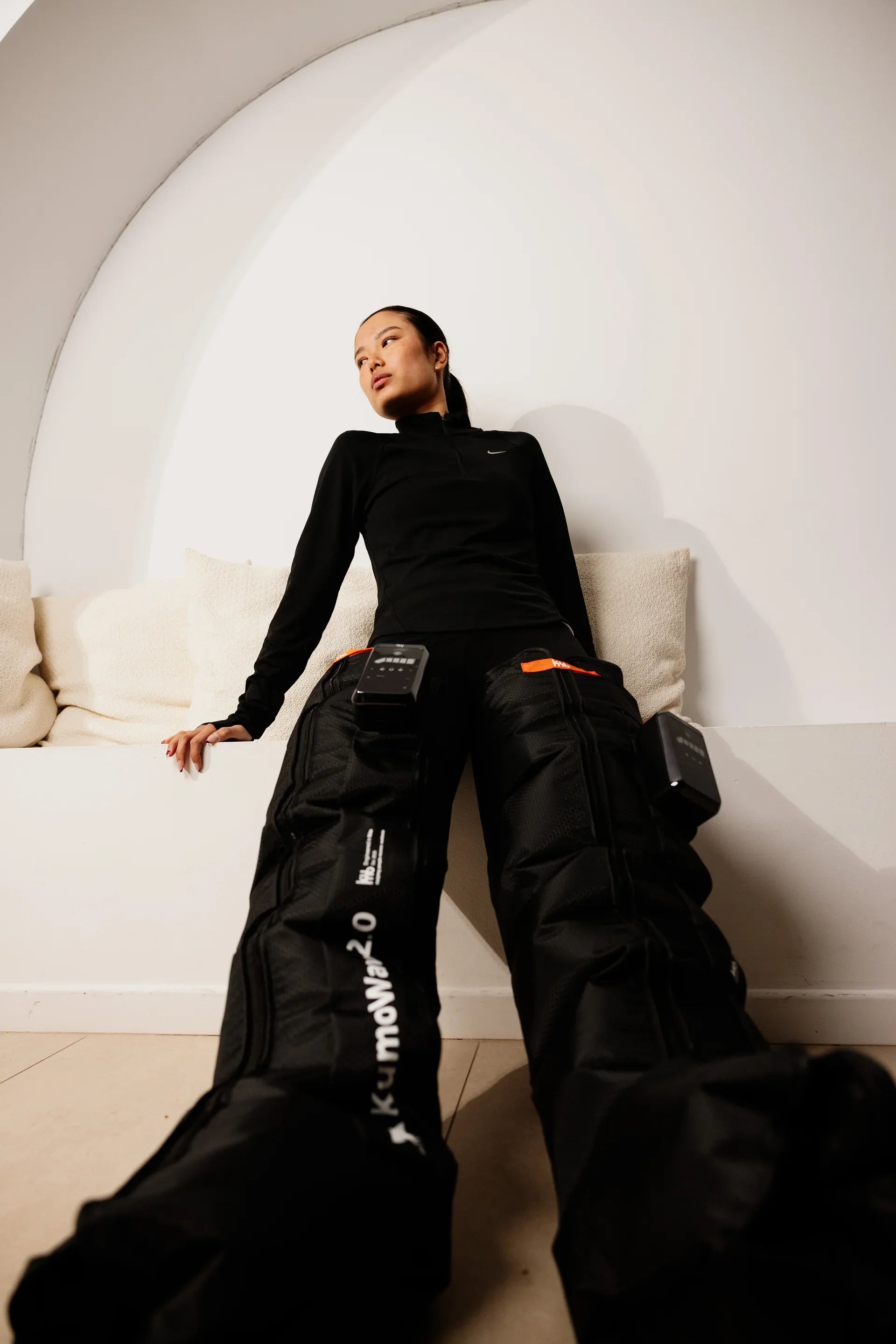
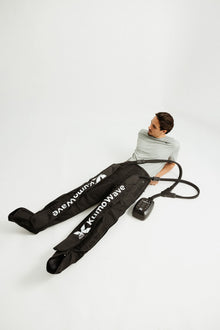
Wireless, lightweight boots. Perfect for daily use and recovery.
€499,00 €599,00